

Stay connected
News & updates
Club news, updates, and member events, straight from the club.


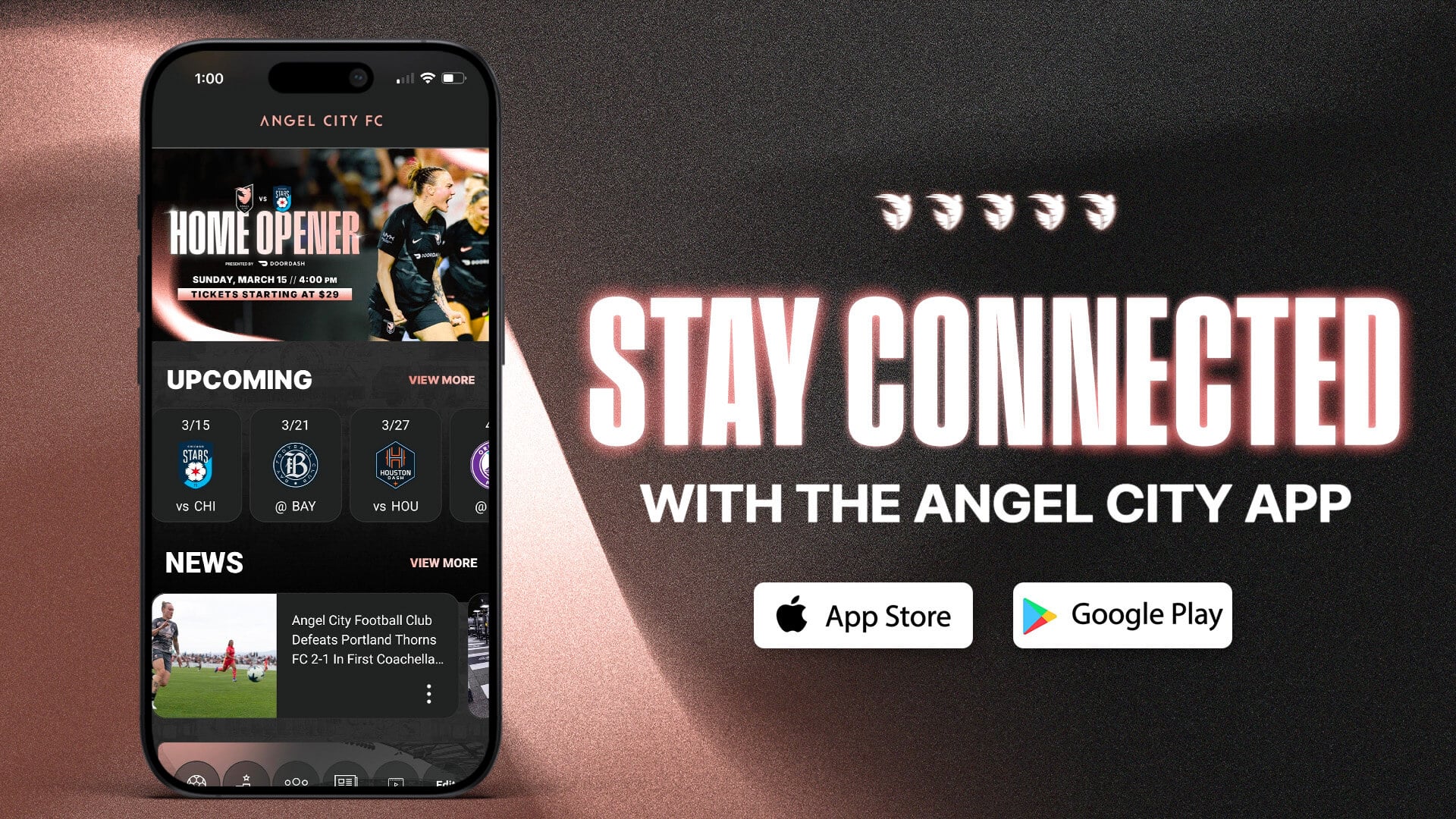
Angel City FC matches at BMO Stadium are mobile tickets only, your mobile ticket is your ticket! Access your matchday and pre-paid parking tickets using the Angel City FC
App, Ticketmaster.com or Account Manager. Follow the below instructions to view/manage, send, sell, receive, and donate your tickets.
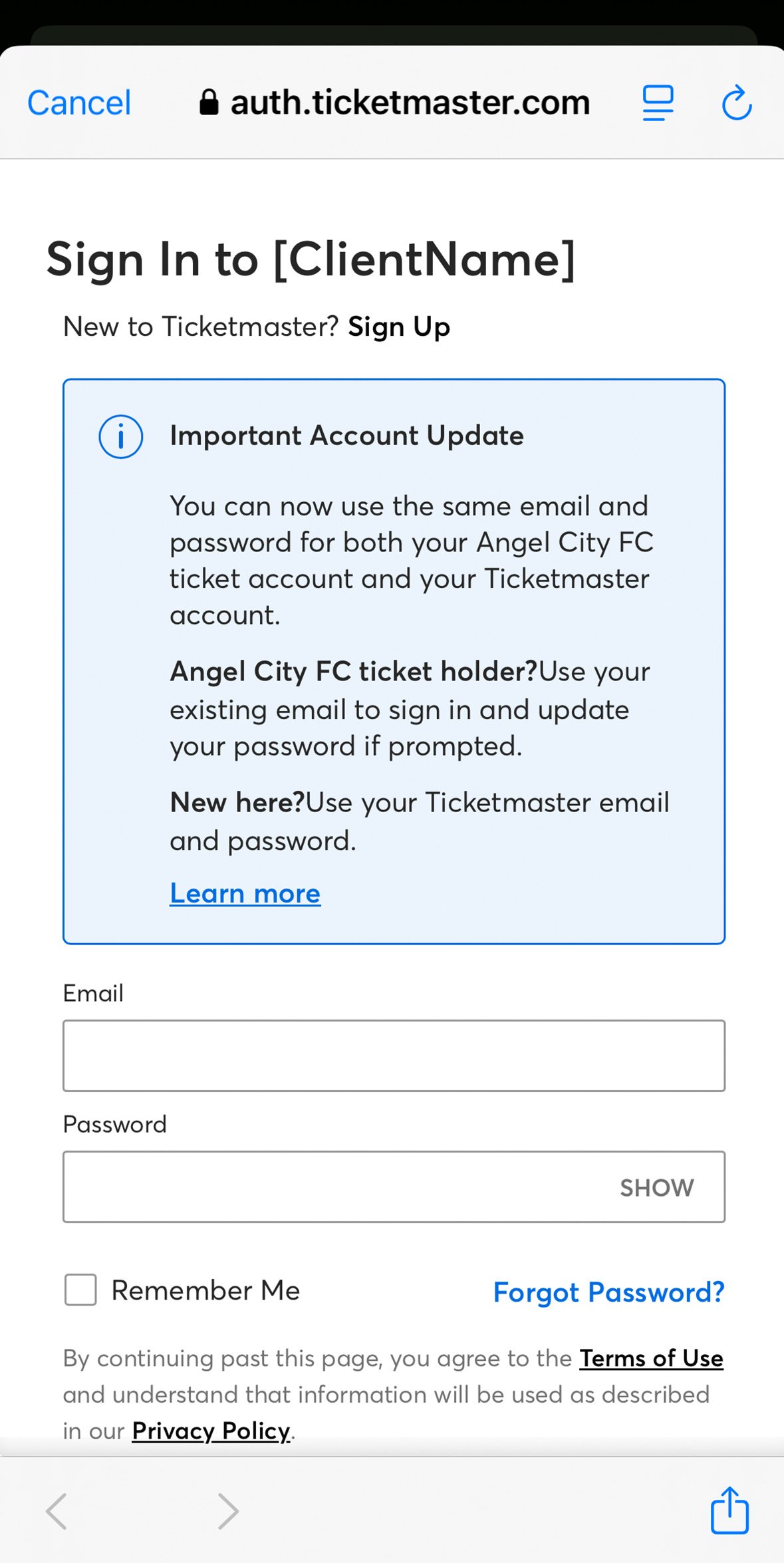
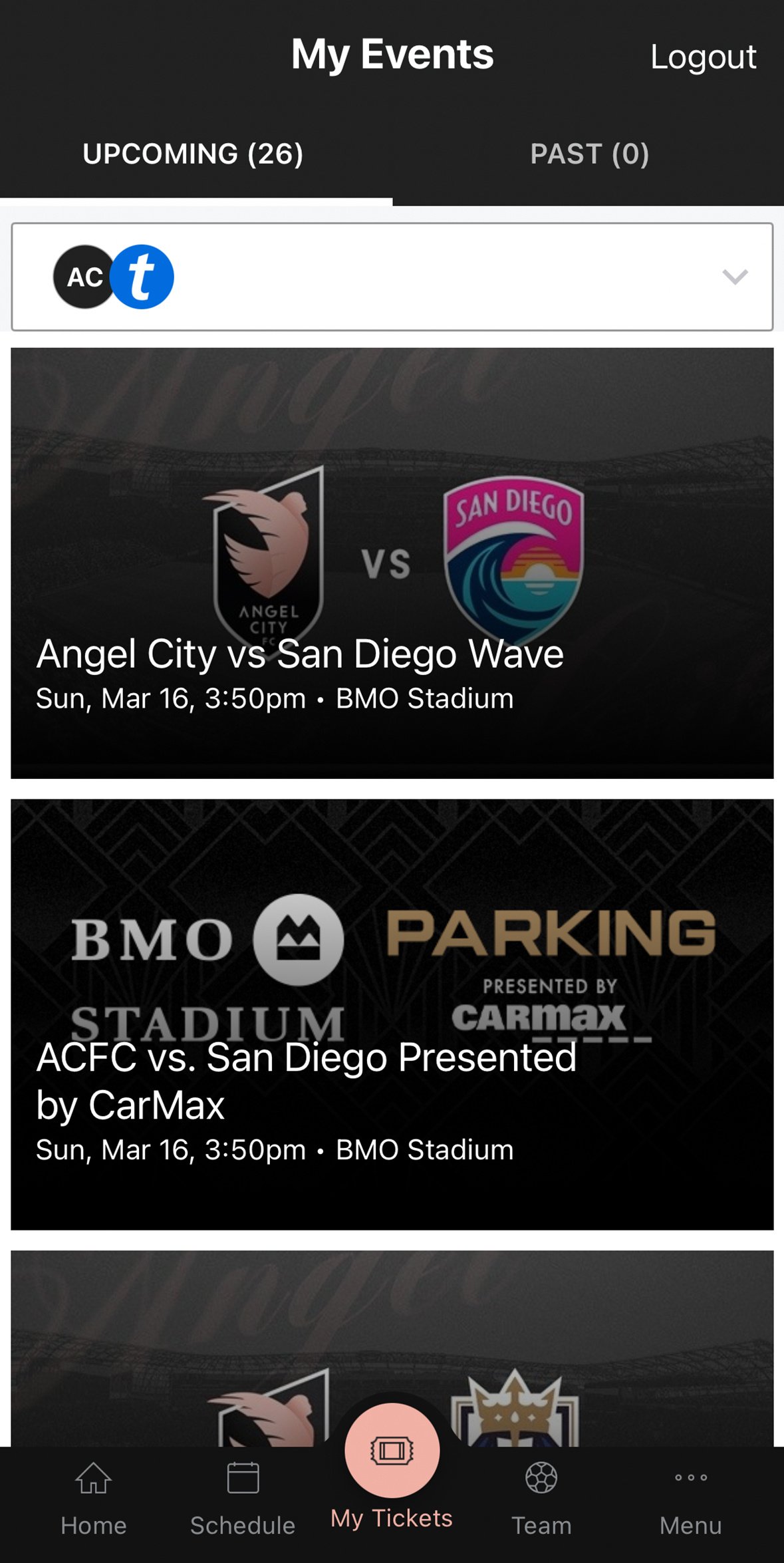
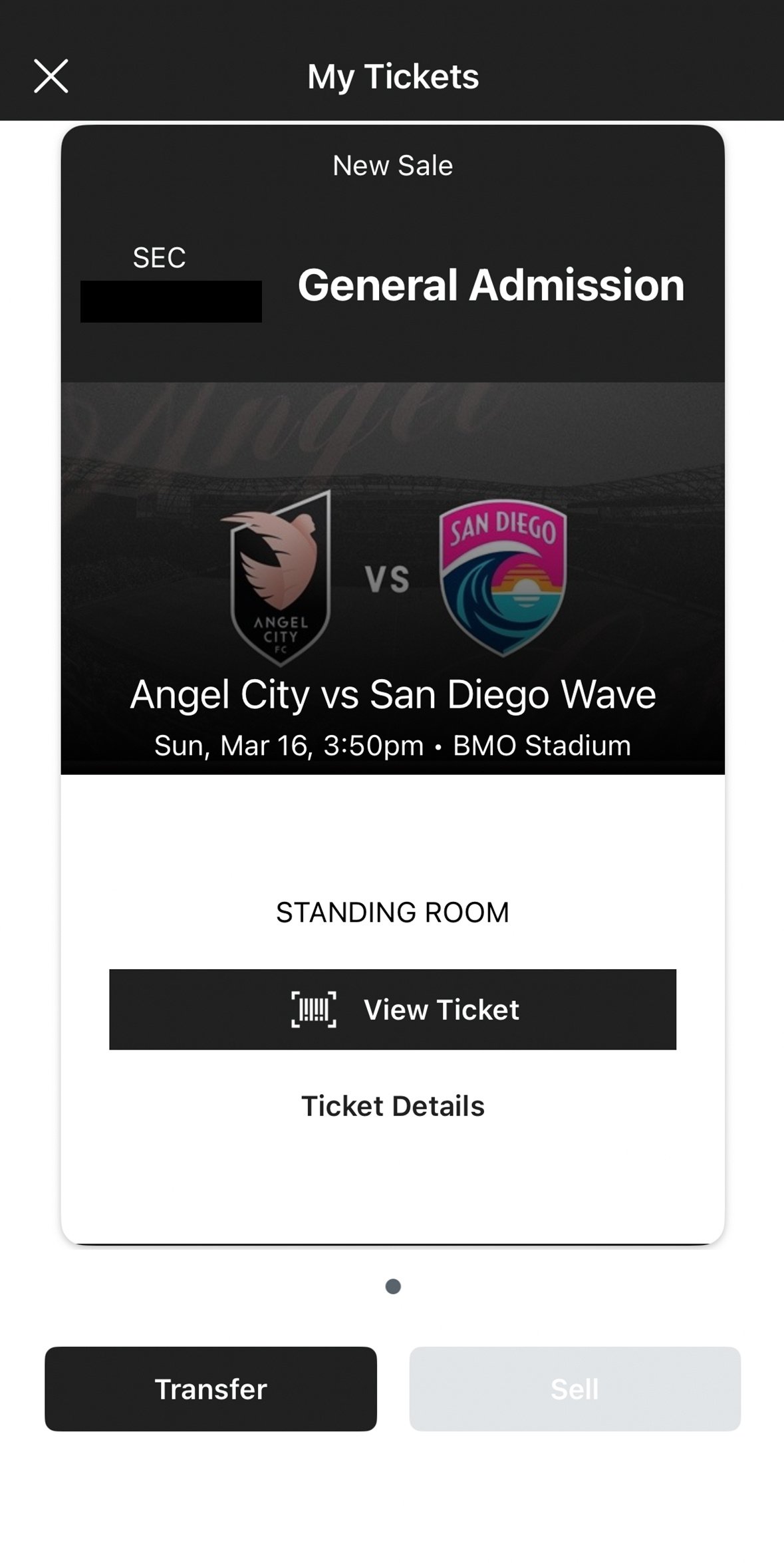
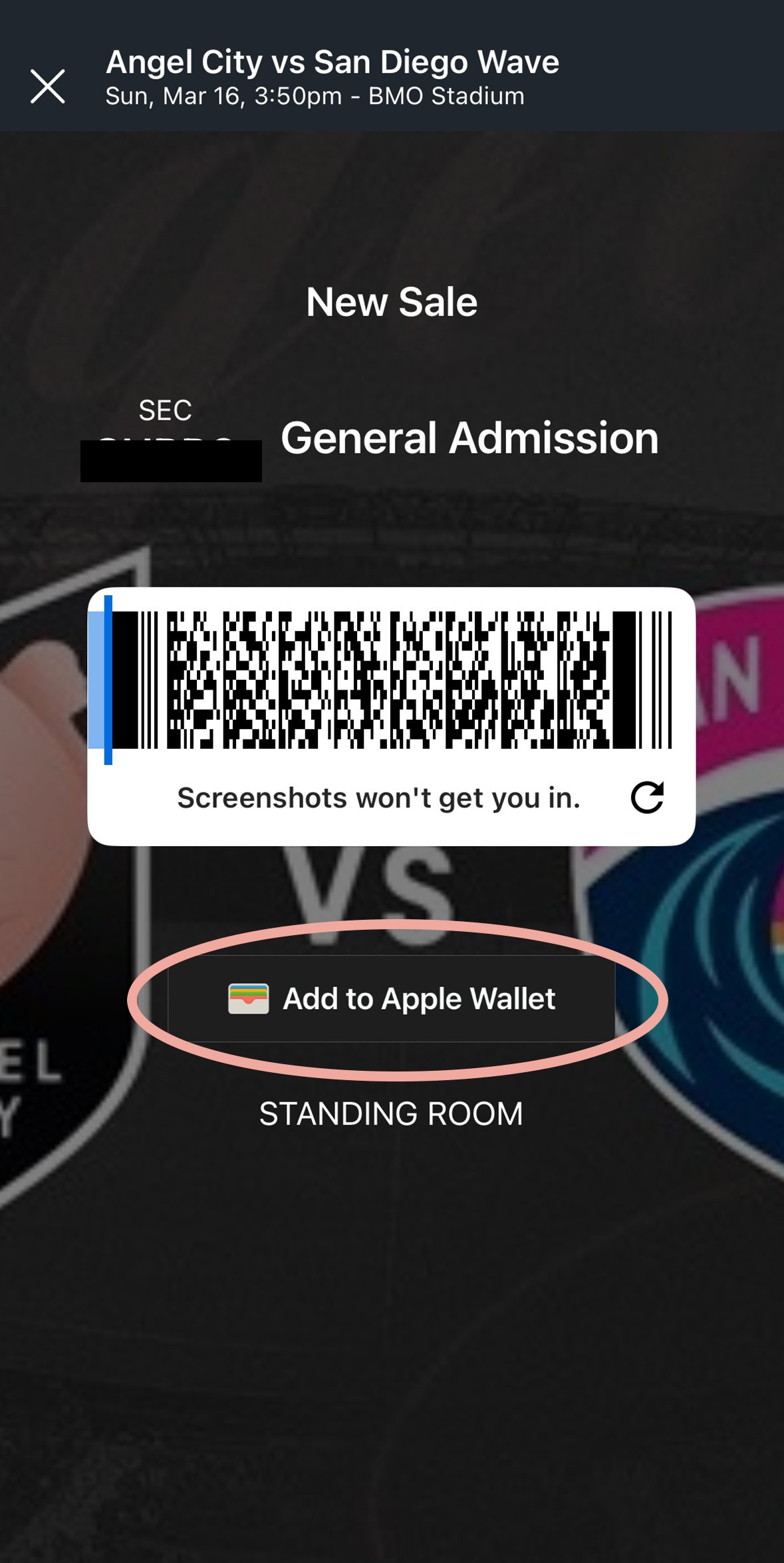
To access your tickets, please make sure to use the same email address that is on your Season Ticket Member account, or the email address that was used to obtain your tickets.
The BMO Stadium Box Office is located at the Northwest corner of the stadium and is open 2 PM - 6 PM PT every Tuesday, and open at 10 AM on event days. Hours are extended to accommodate the needs of specific events.
For ticket information, please call 213-419-9599 or send an email to tickets@angelcity.com
View Tickets FAQ


Official App
Tickets, benefits, matchday details, and member perks in one place.
Tickets Member perks Matchday info
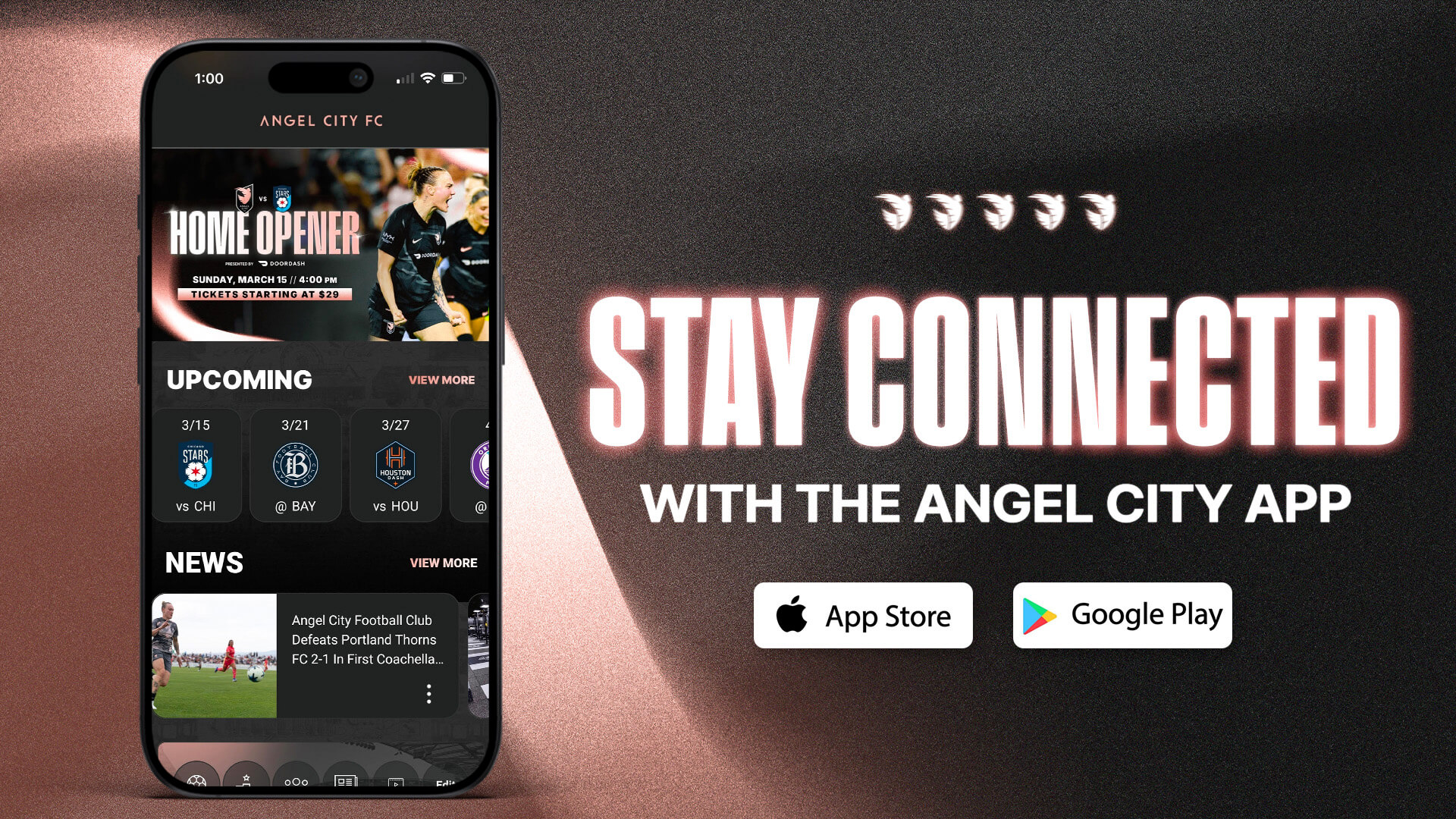
Get the app
Why download
Your tickets, updates, and stadium details in one official app.
Stay connected
Club news, updates, and member events, straight from the club.
One place
Manage tickets, review benefits, and unlock digital perks in one place.
Before you go
Review schedules, parking, and stadium details before you go.
BMO Stadium
Angel City FC matches at BMO Stadium are mobile tickets only. Your mobile ticket is your ticket. Access matchday and pre-paid parking tickets in the Angel City FC App, Ticketmaster.com, or Account Manager.
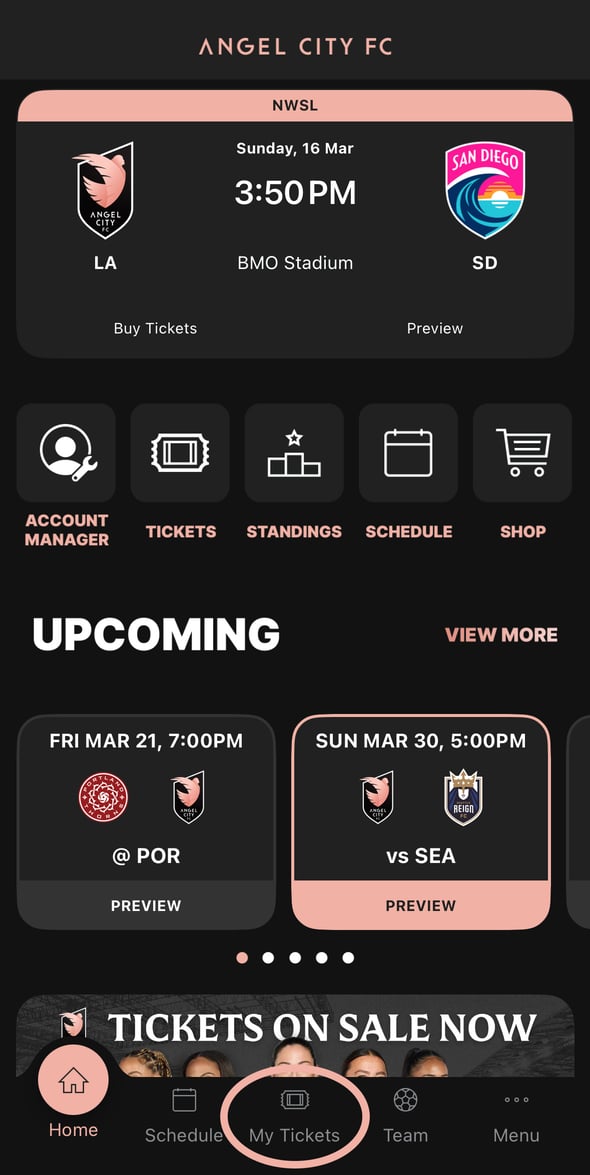
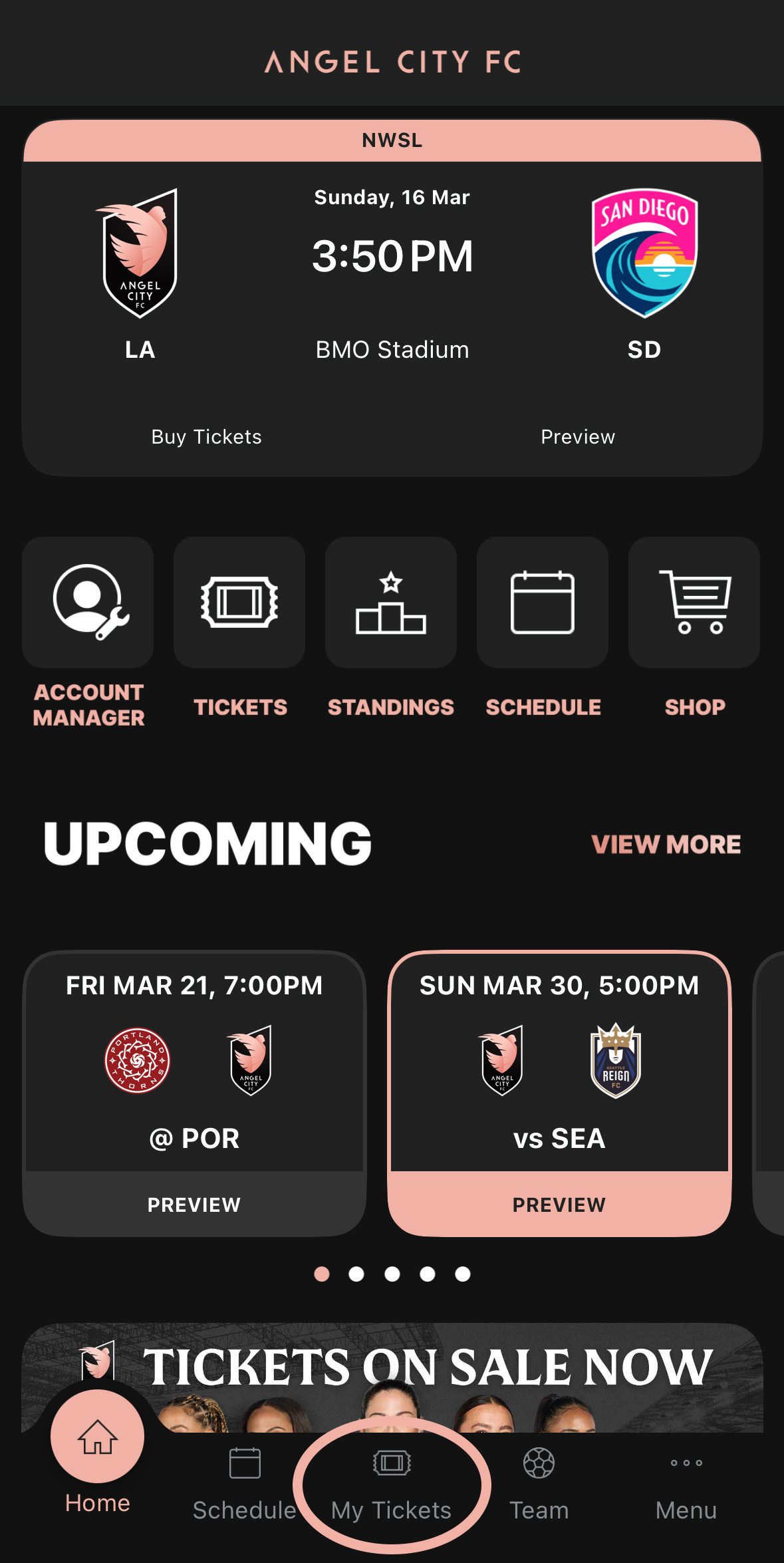
Open the Angel City FC app, then press My Tickets in the navigation.
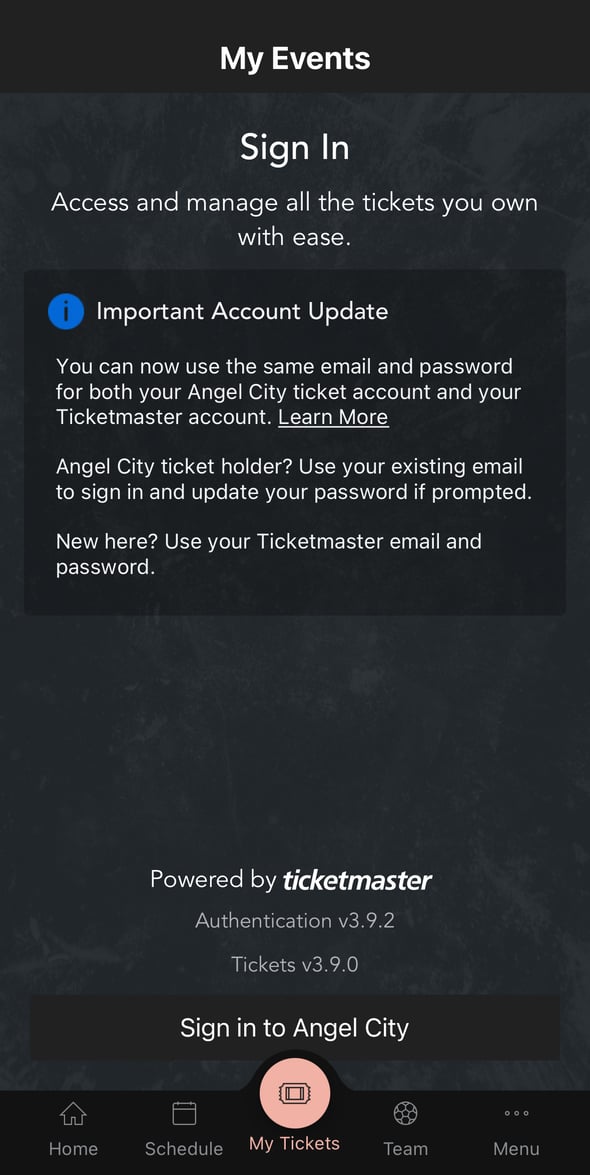
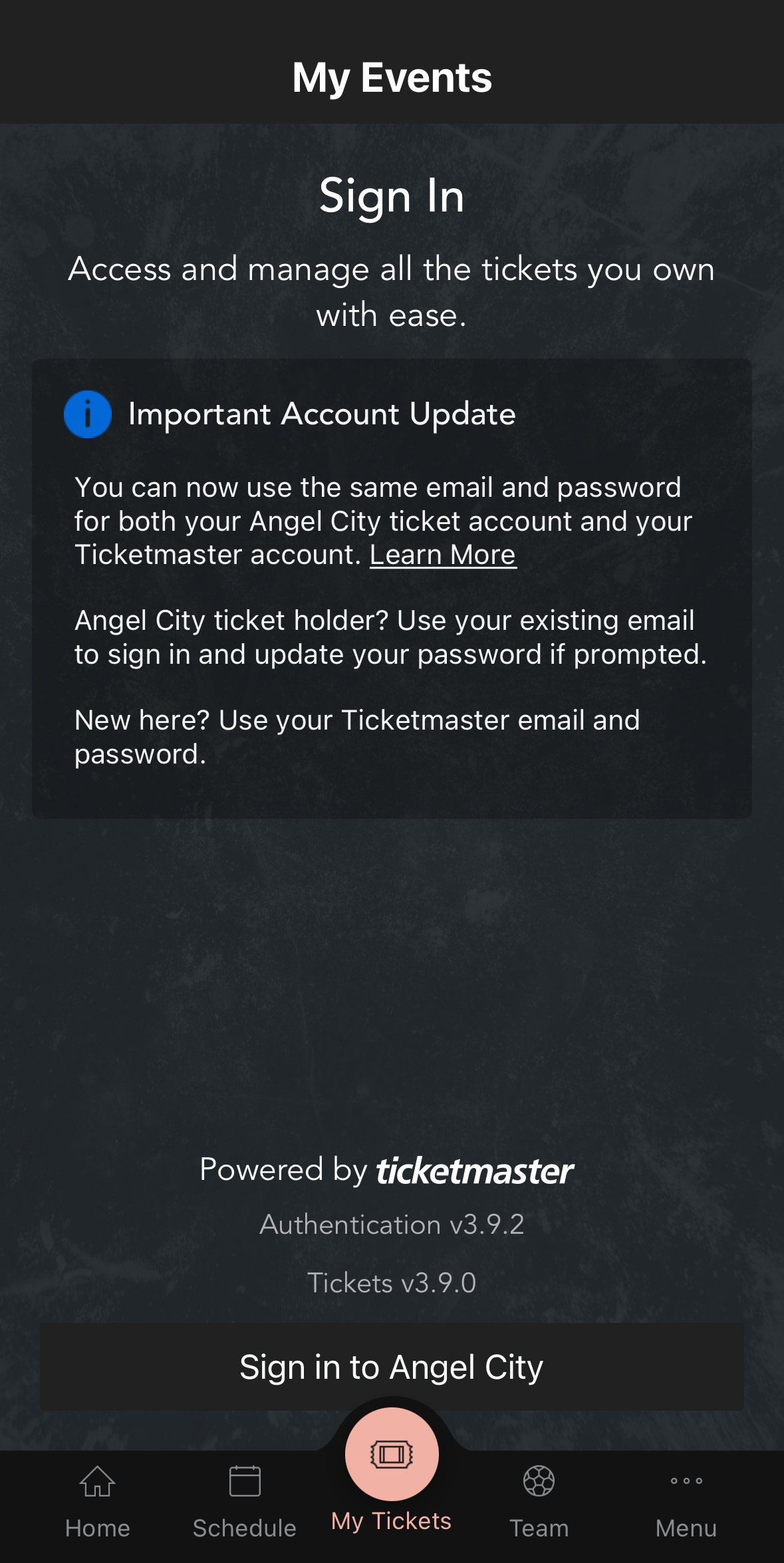
Press Sign in to Angel City at the bottom of the screen.
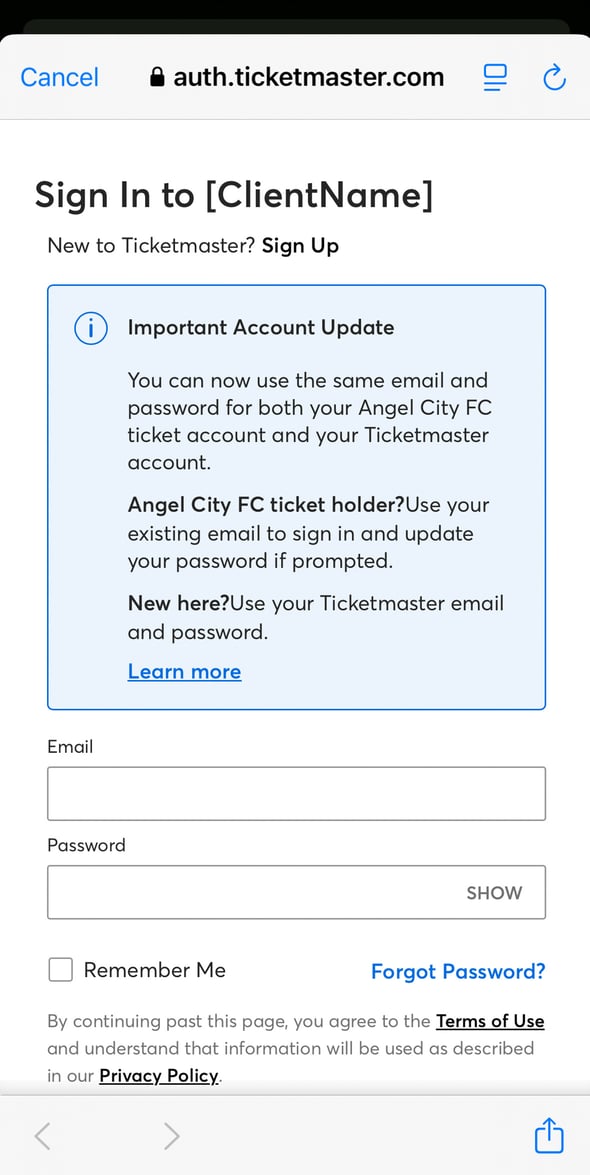
Sign in using the same login credentials as your Season Ticket Account Manager, or your Ticketmaster.com account.
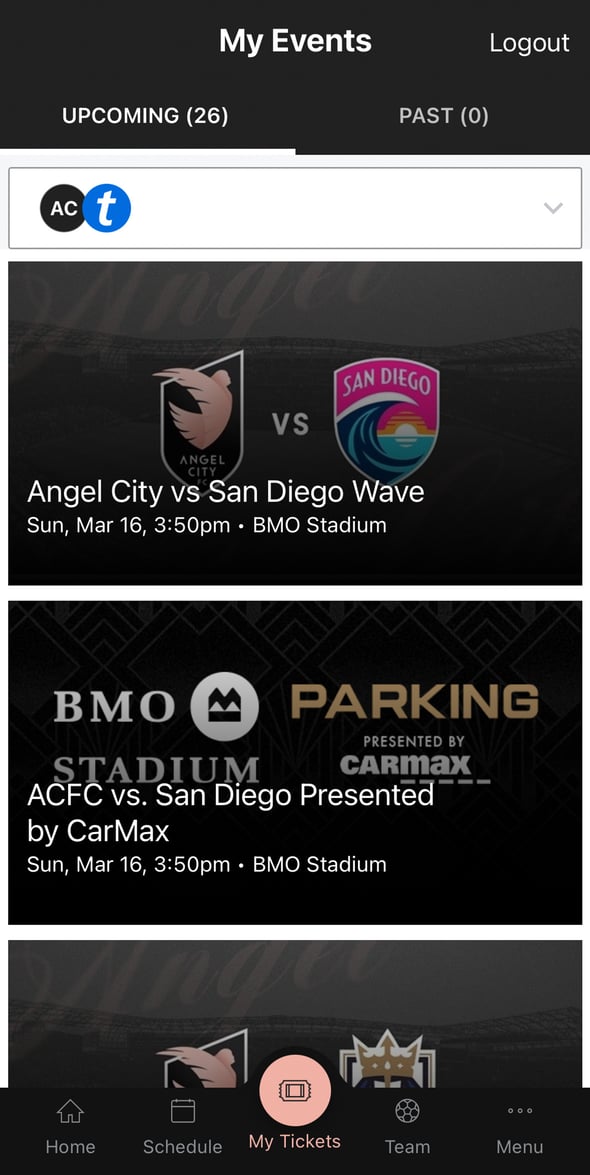
Quickly view, send, and sell tickets directly from the Angel City FC app, or Account Manager.
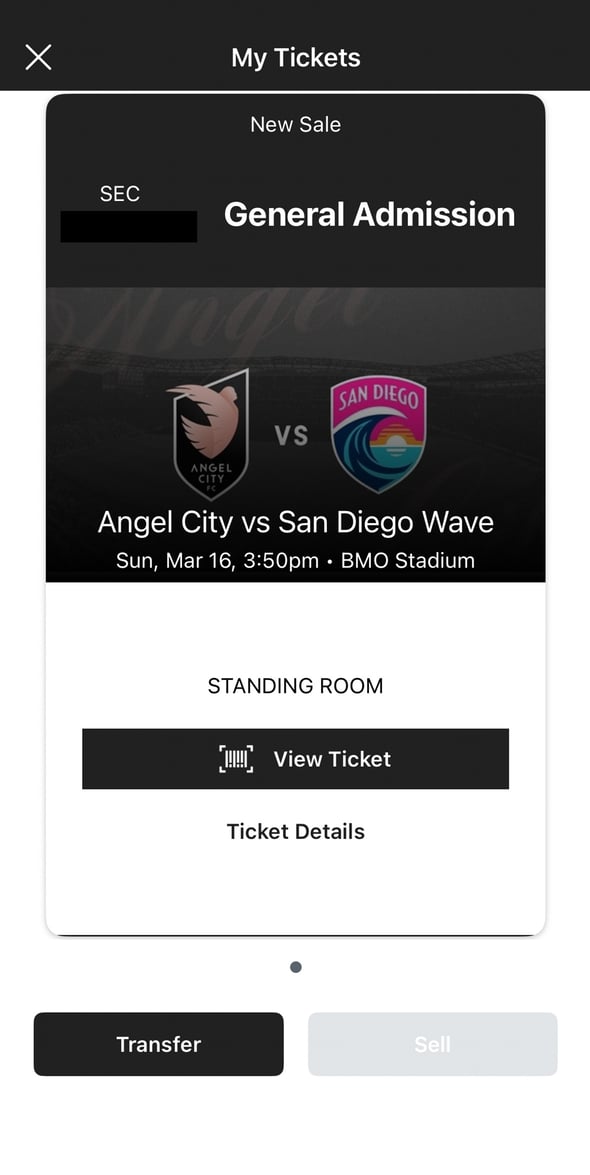
Click on each game to view your tickets and available management options.
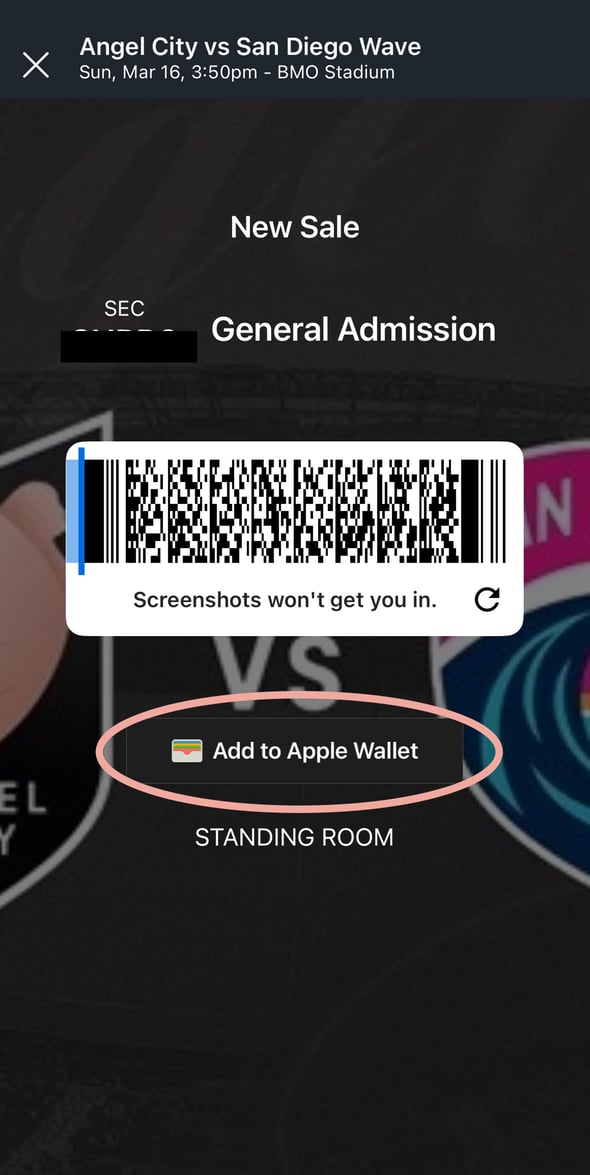
Scan your barcodes directly from your phone or add tickets to your mobile wallet.
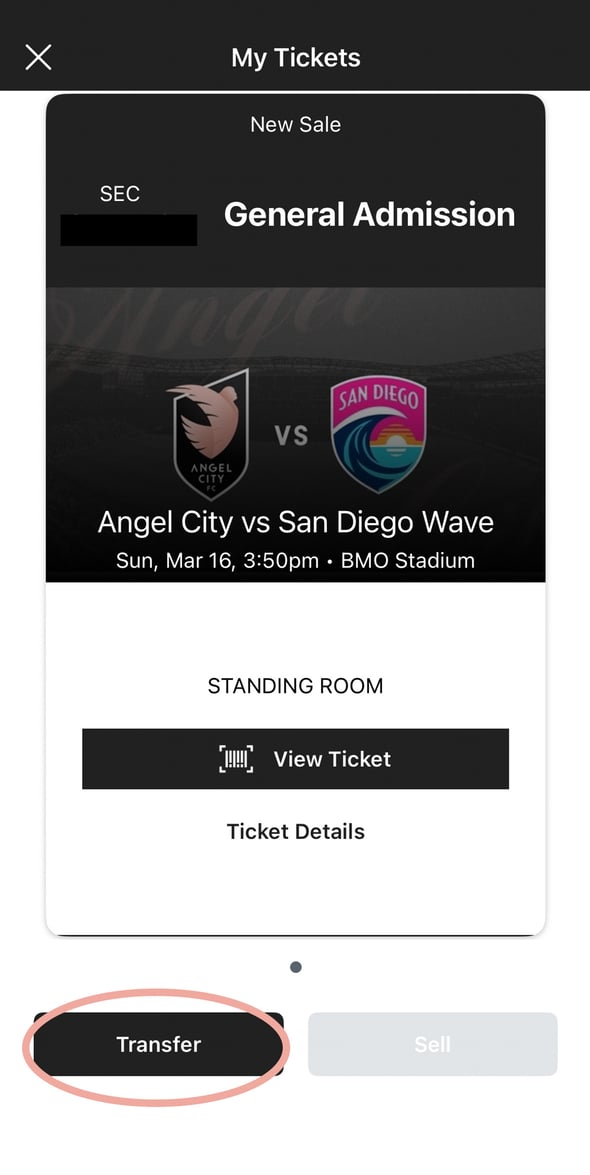
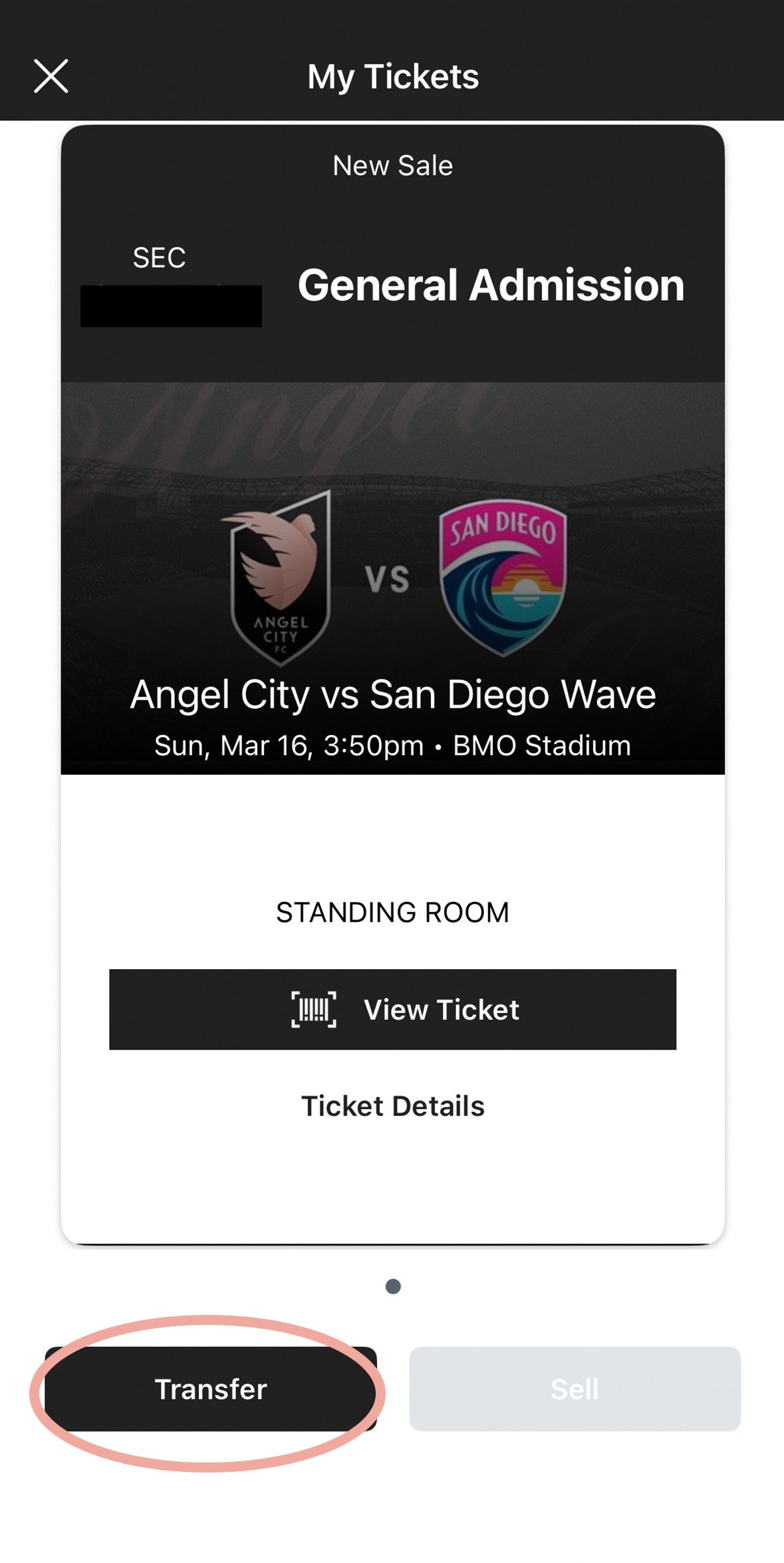
Find the desired game, then press Transfer.
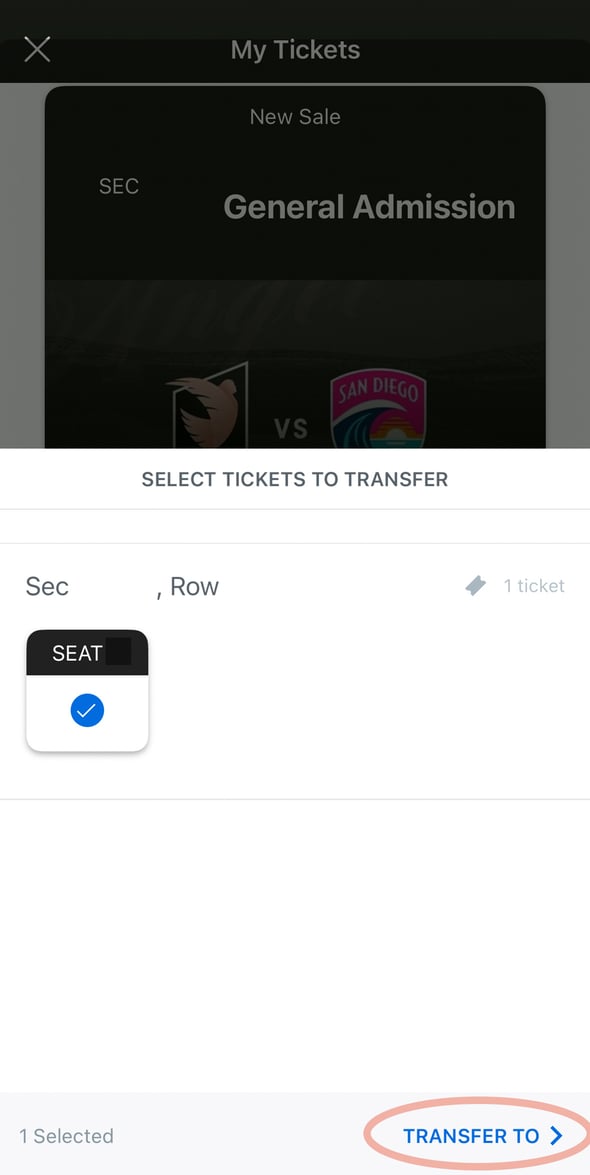
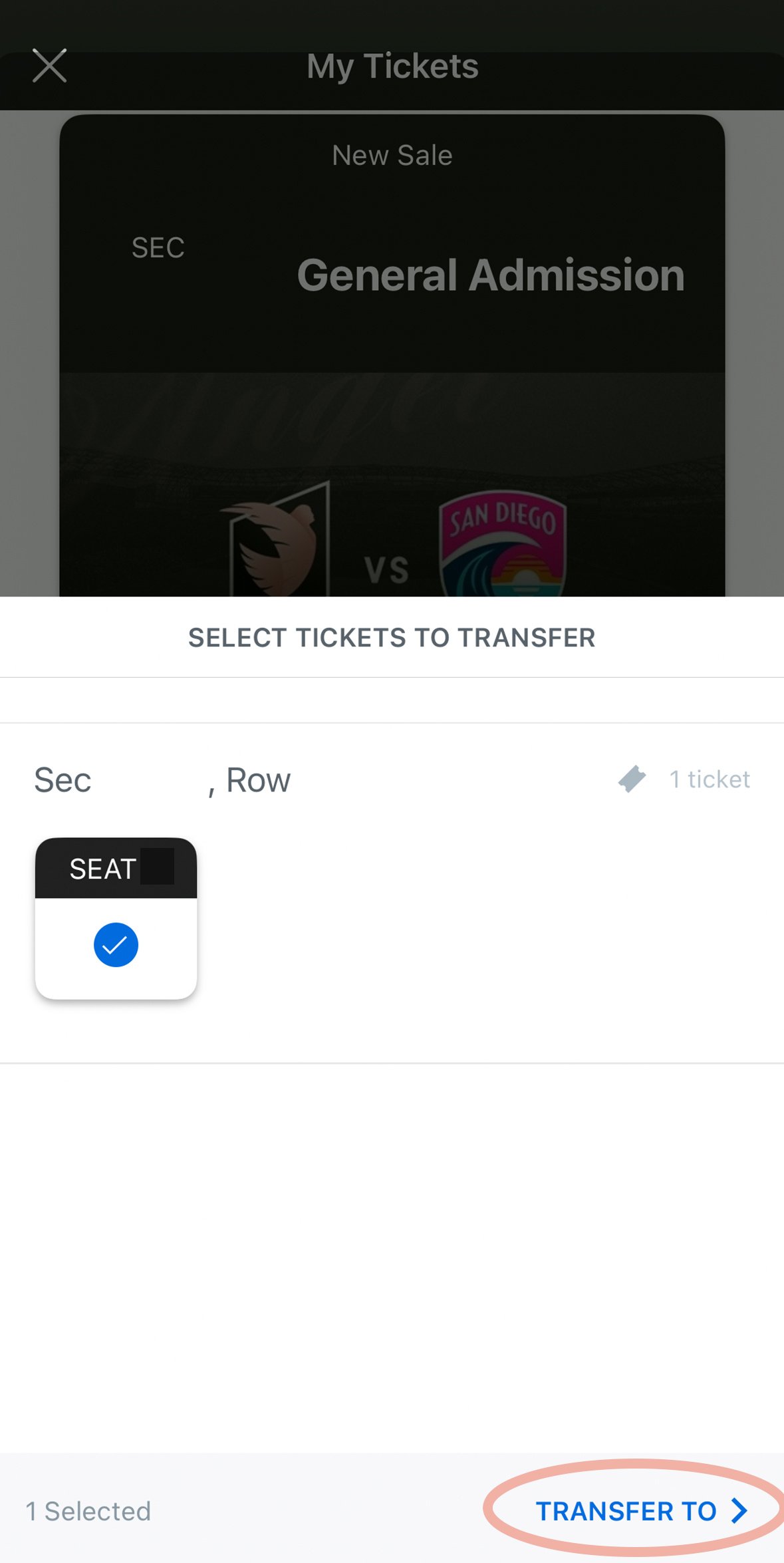
Select seats to transfer, then press Transfer in the bottom right corner.
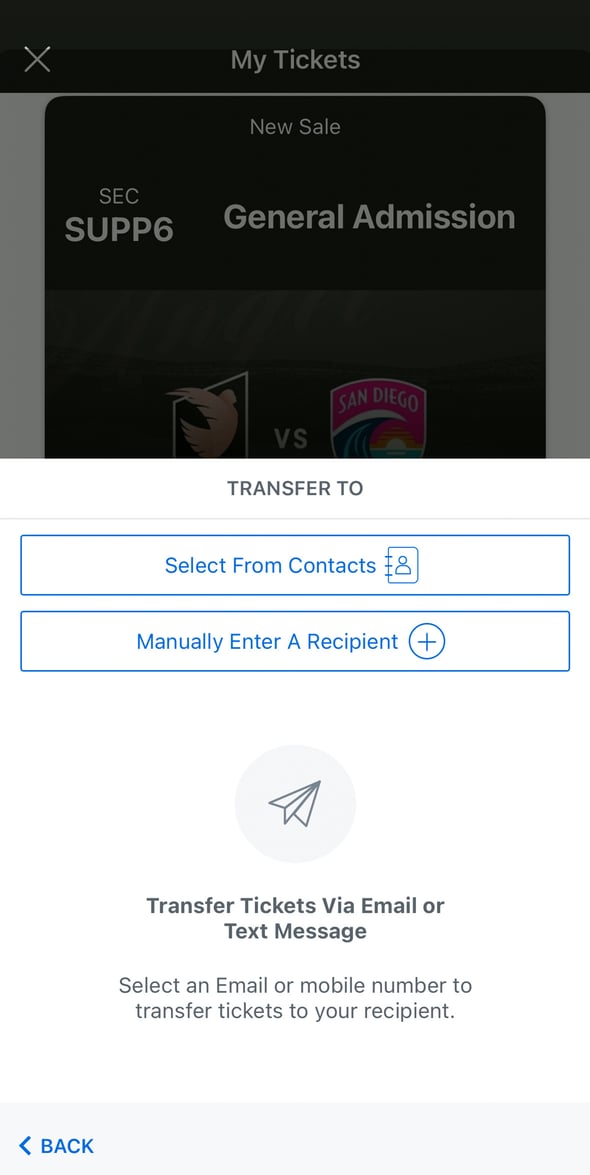
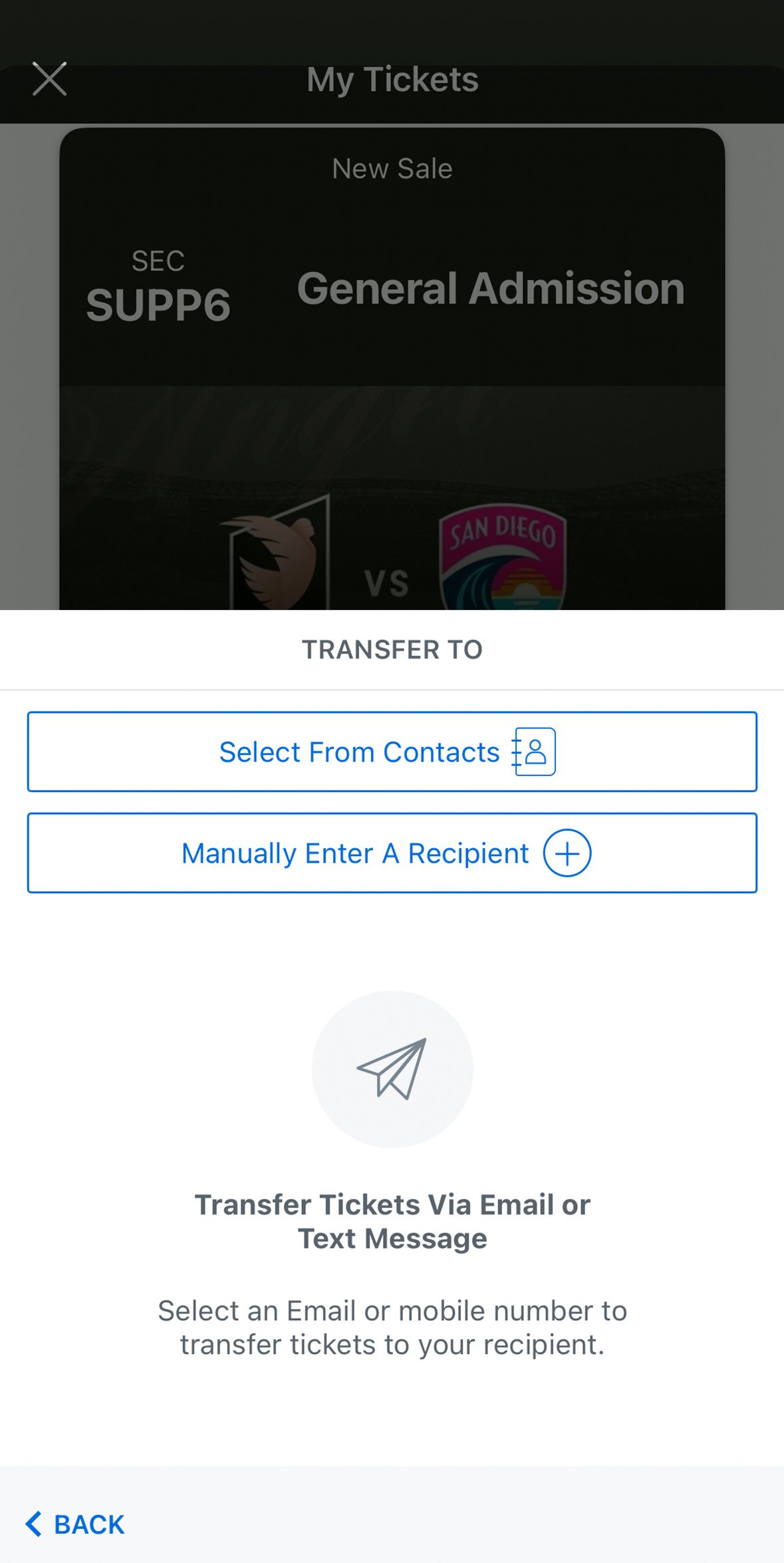
Either Select From Contacts or Manually Enter A Recipient. Once completed, there will be a prompt to Transfer. A link to accept the transfer will be sent to your recipient, who must accept the seat(s) prior to the start of the game.
Click the Accept Tickets link in your email.
Sign in or create a new account. Make sure you use the same email for your account and that the tickets were sent to.
To view your tickets, select View Tickets.
Click on the desired game, click Sell, select the seats you’d like to sell, and click Continue.
Set your asking price.
Scroll down, choose your Payout Method, click List tickets, and your posting will be live within a few minutes.
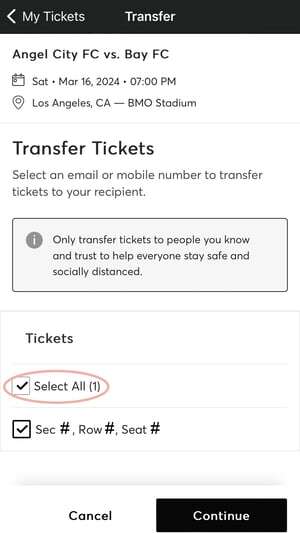
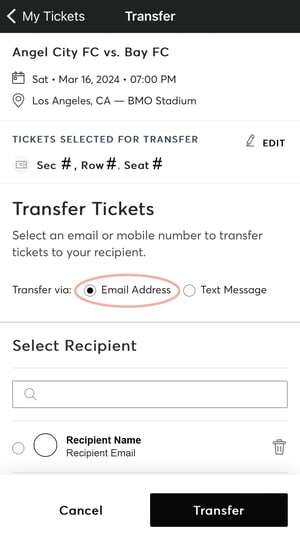
Click on the desired game, click Transfer, select the seats you’d like to transfer, and click Continue.
Check Transfer via Email Address.
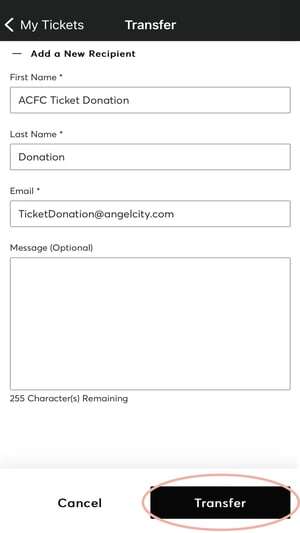
Enter TicketDonation@angelcity.com into the recipient’s info and click Transfer.
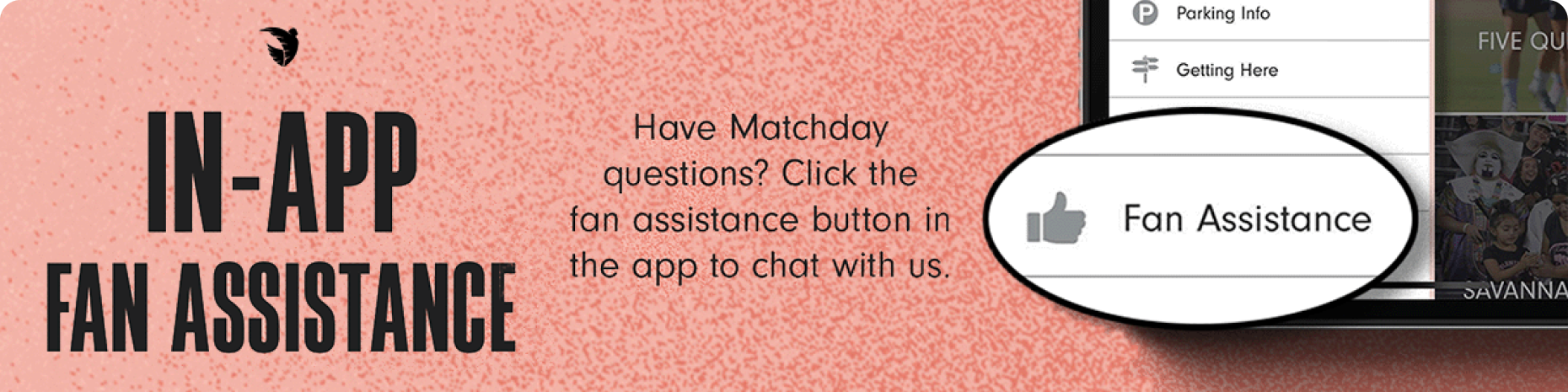
Need help?

Official app
Angel City FC
Free on the App Store and Google Play. Tickets, member perks, and BMO Stadium info in your pocket.
Privacy Policy | Terms of Service
Copyright © 2026, Angel City FC
Privacy Policy | Terms of Service
Copyright © 2026, Angel City FC